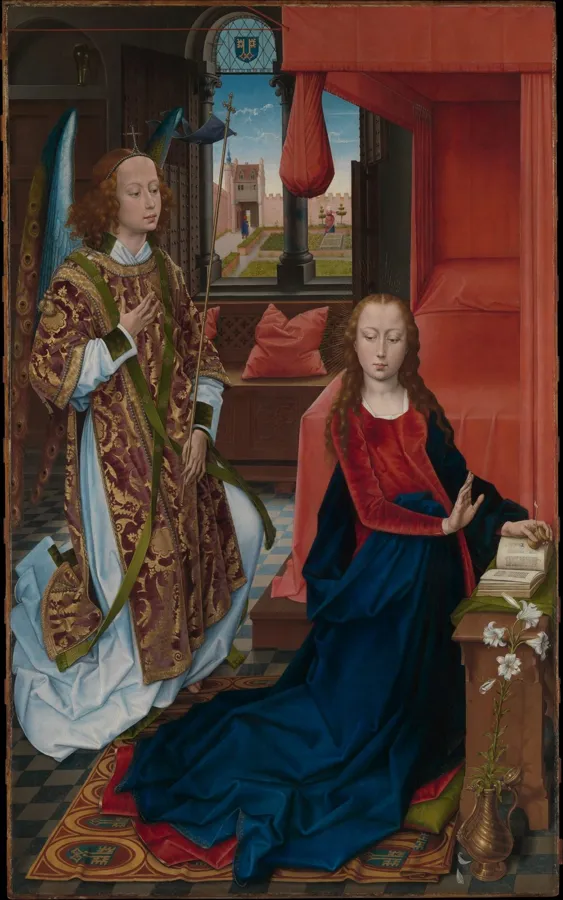
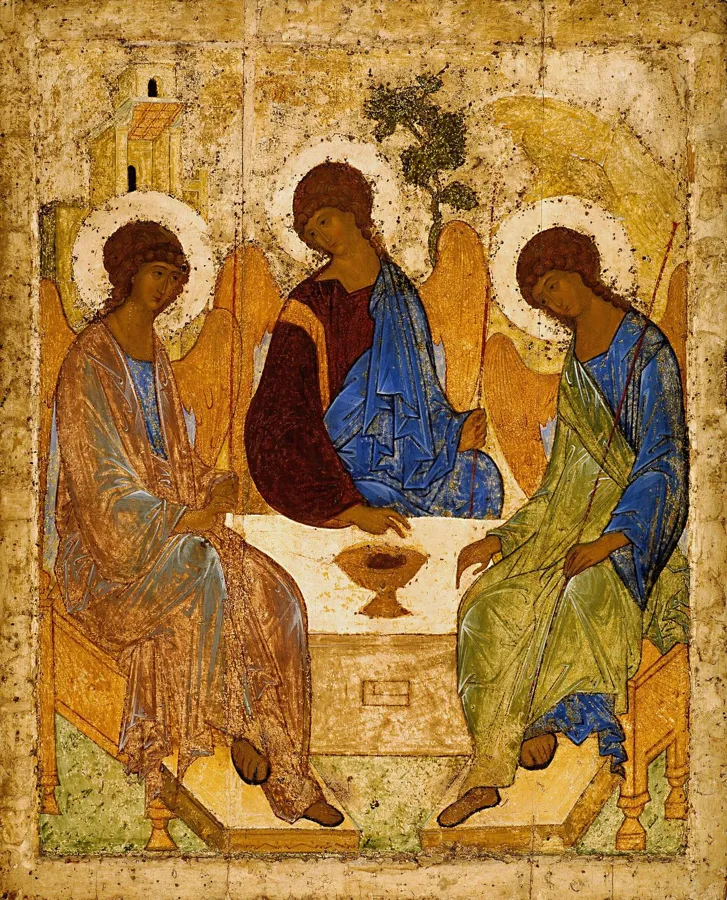
Catholic or Orthodox
Your own prayers, words and art. Orthodox prayers come from named editions, such as Hapgood’s Service Book.
Life of Prayer locks your social media until you pray. And it connects you with people who are praying too.
Most people who want to pray more already know they should. The phone wins anyway.
“I know I should read my bible more but I usually end up scrolling social media.”
“I always started my day with instagram or TikTok.”
“I have wasted so much time doom scrolling every morning.”
From App Store reviews of other prayer apps. And 64% of US adults aged 30–49 say they spend too much time on their phone (Pew Research Center, 2026).
Set it up once. Then each day, your apps wait until you pray.

Pick a time to pray by, and the days. Morning, noon, evening or night.
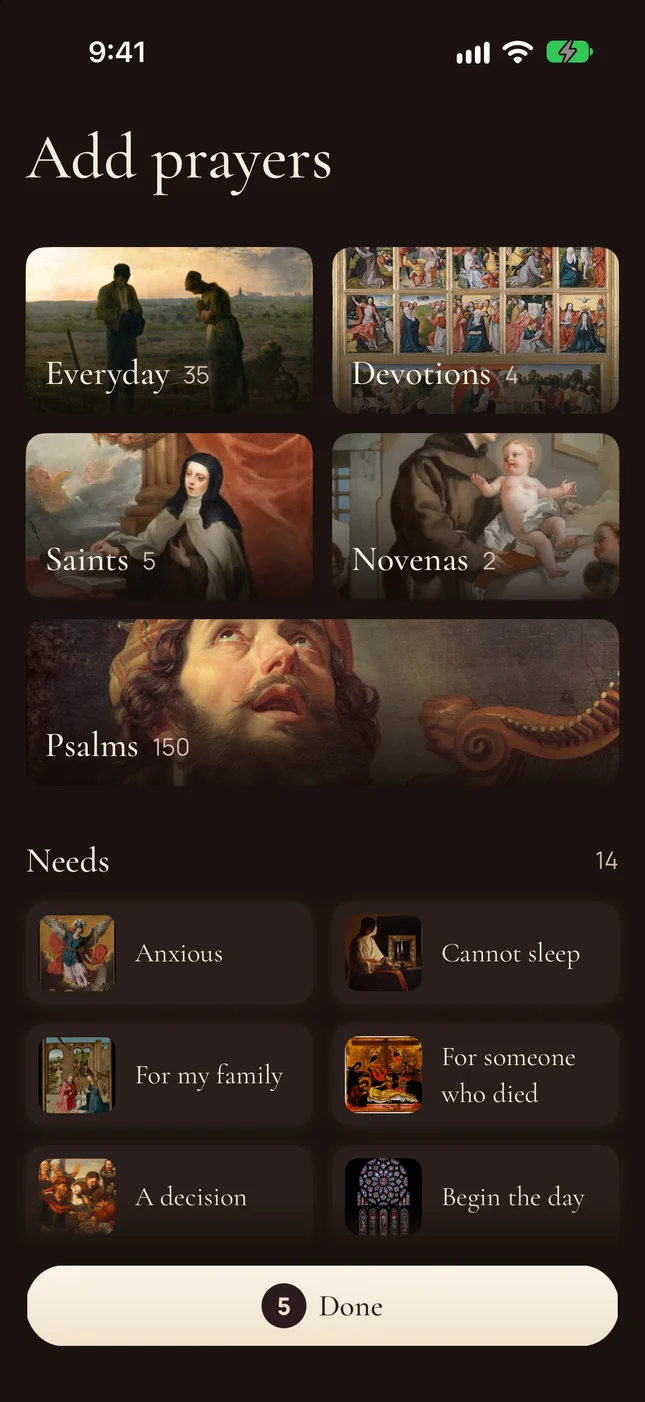
Everyday prayers, devotions, saints, novenas and all 150 Psalms. Or start from a need.

Each prayer time has its own sacred painting or icon.
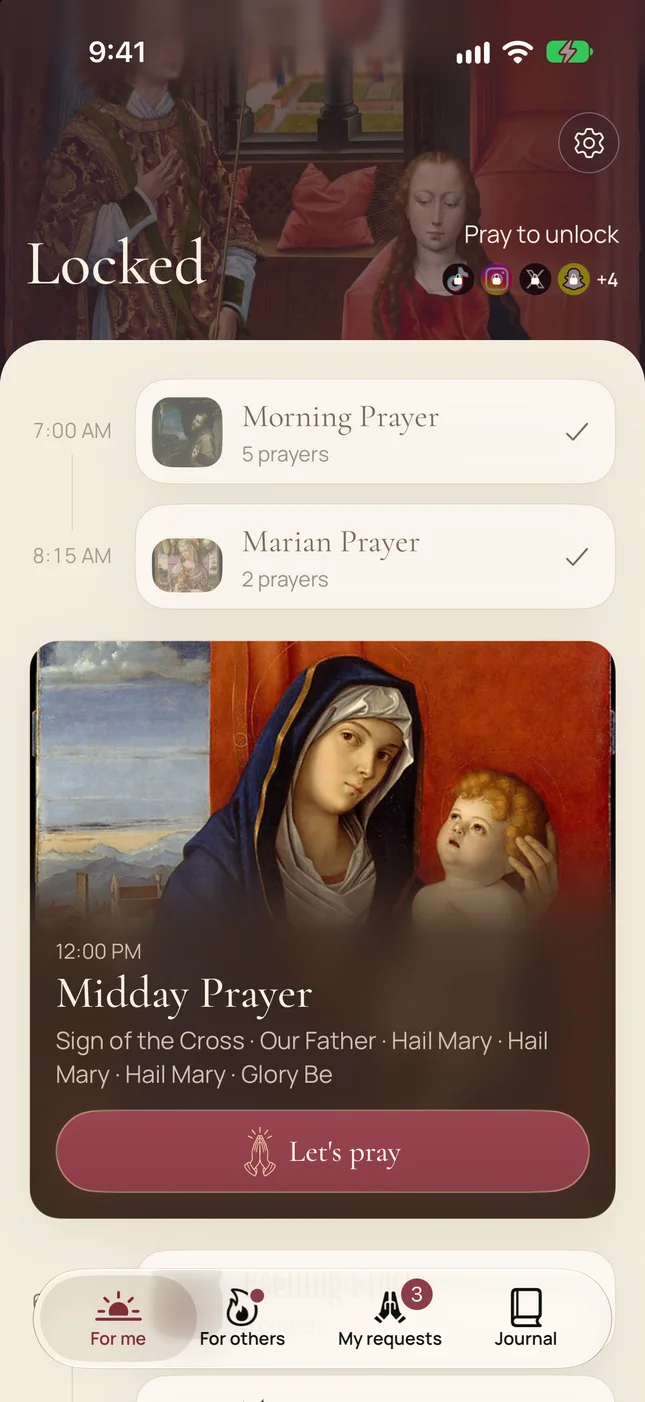
Not prayed by your time? The apps you chose lock until you pray. Pray early, and nothing locks.
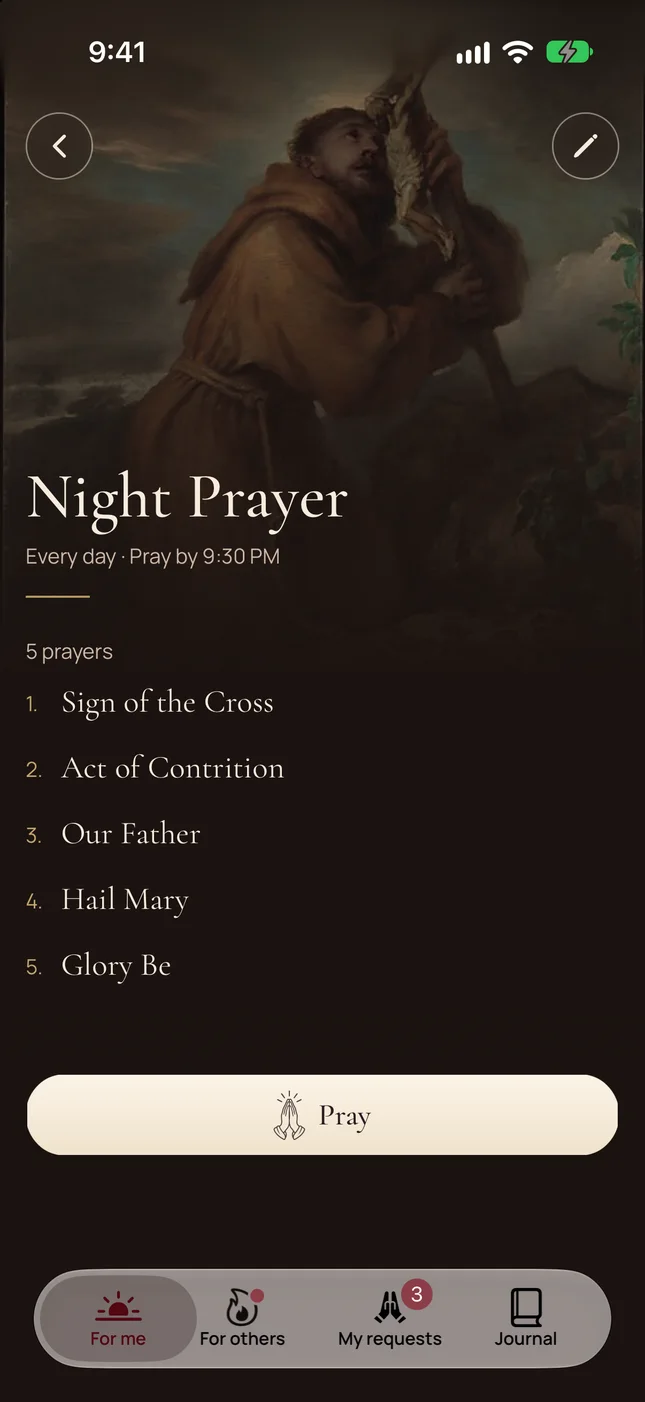
Your prayers, in your order, under your painting.

A moment of quiet first. Then begin when you are ready.
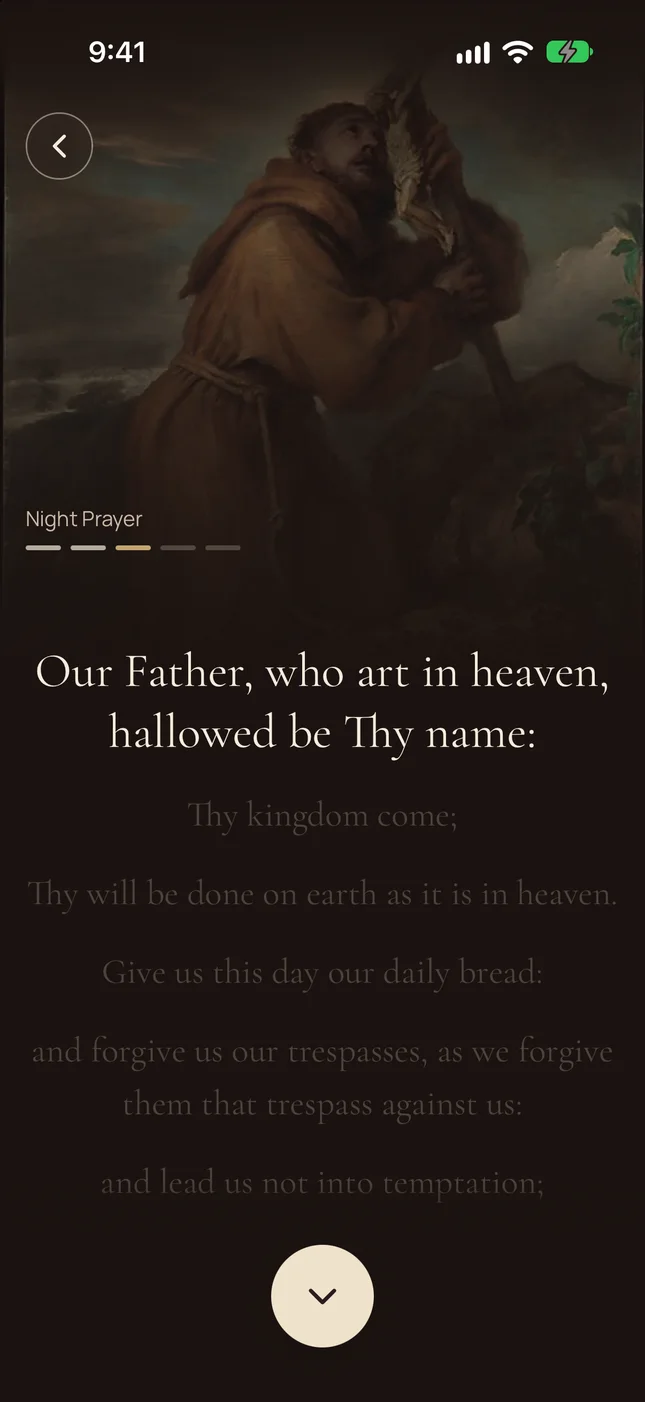
So no prayer is skimmed. Hold to say “Amen,” and your apps open.

How often you prayed, not a streak. Miss a day, and nothing resets.
Only 1 in 4 people who tried to cut back on their phone say they were very successful (Pew Research Center, 2026).
Real people ask for prayer, signed with a first name and a state. No replies, no votes, no followers.
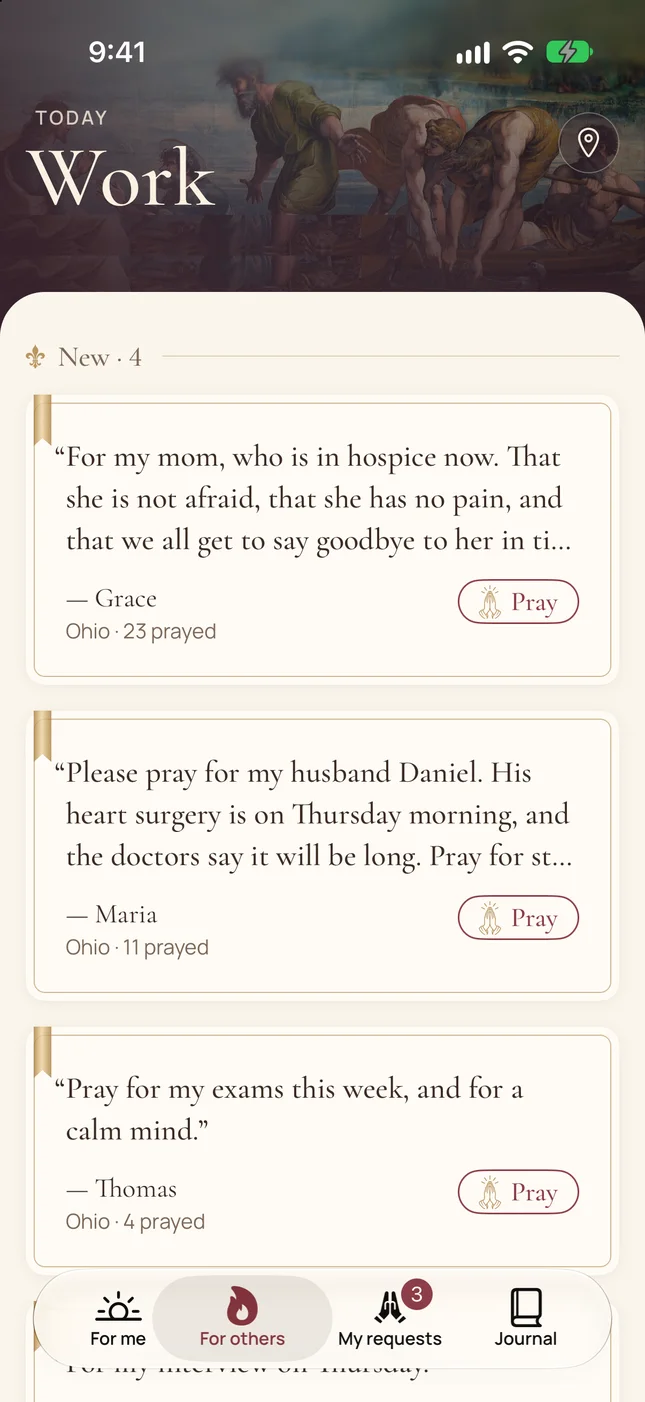
New requests first, then today’s shared intention, then people near you.
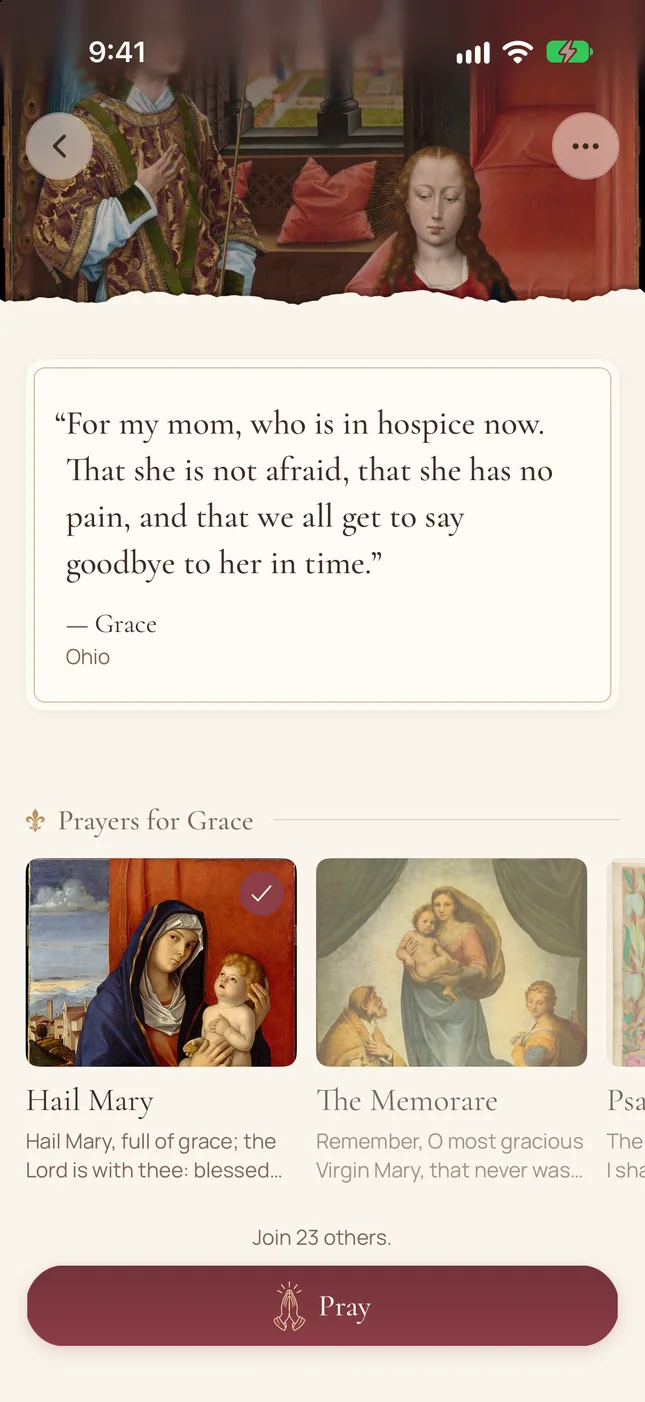
A Hail Mary, the Memorare, a Psalm. Then pray it, line by line.

Each prayer time can also carry one person who asked for prayer. They see that you prayed.
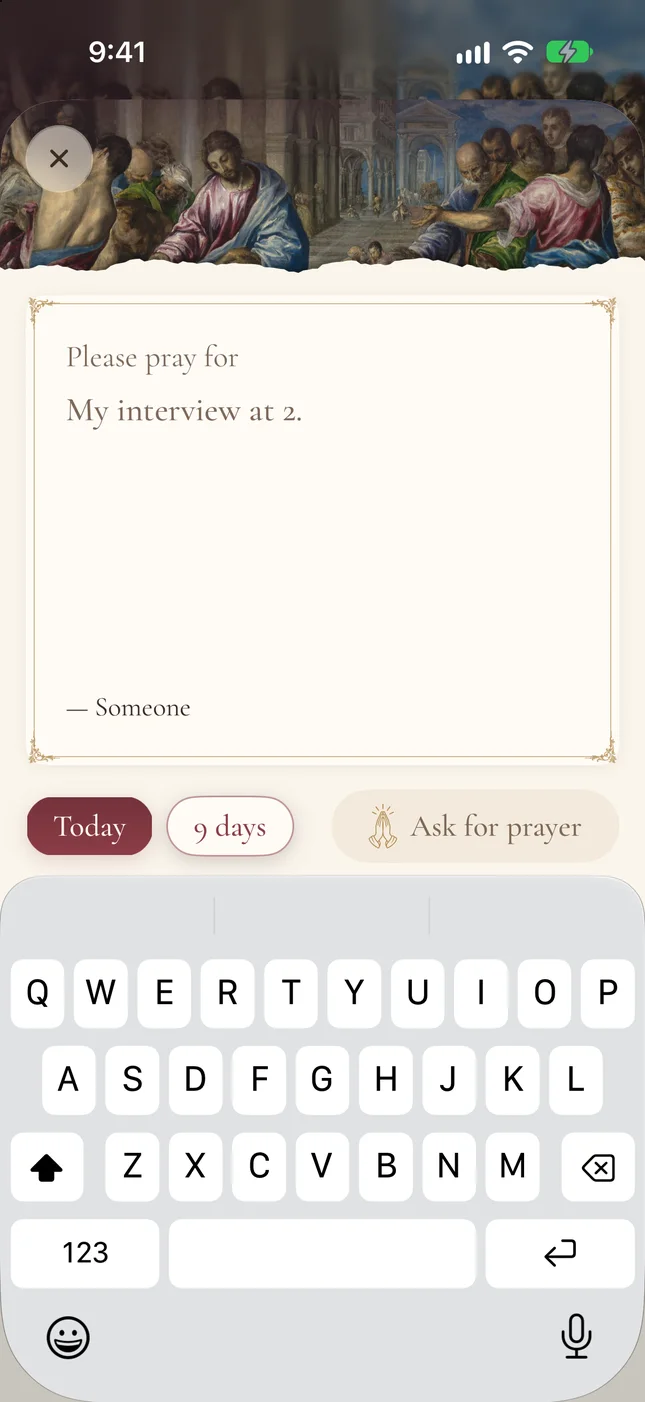
Write one or two lines. Ask for today, or for nine days.
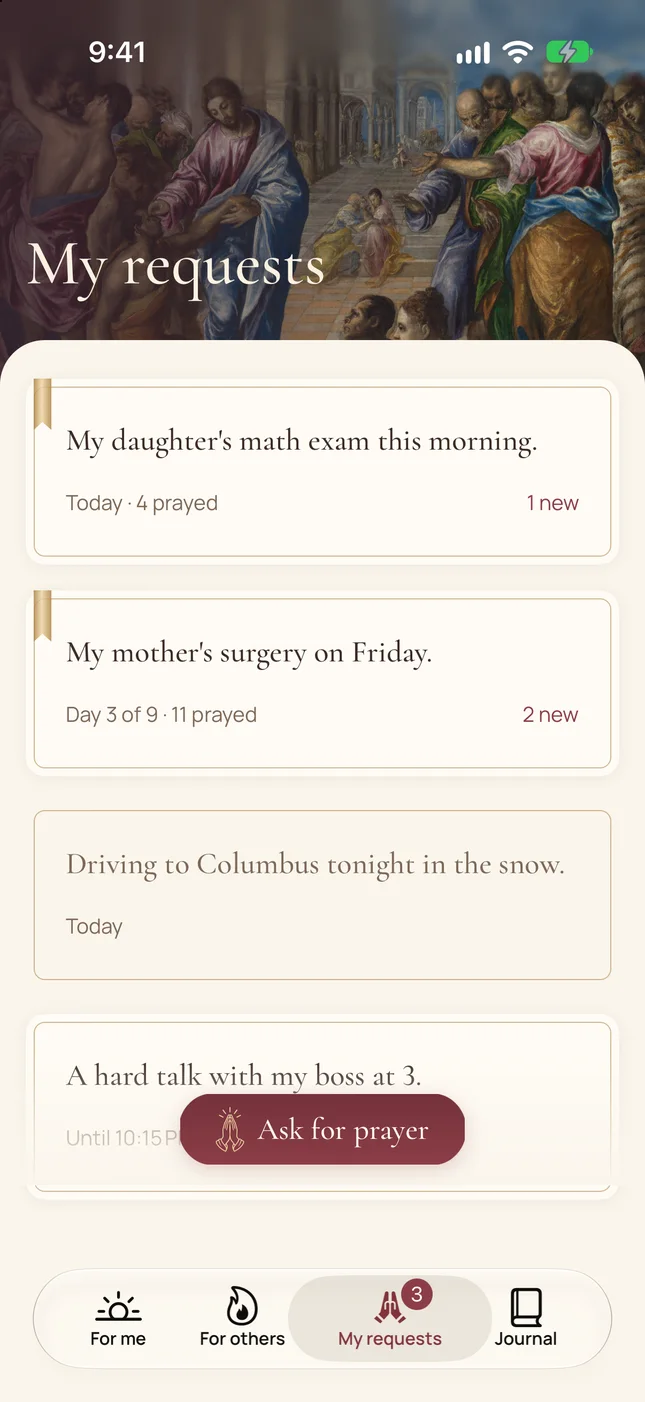
Each request shows how many people prayed, and what is new.
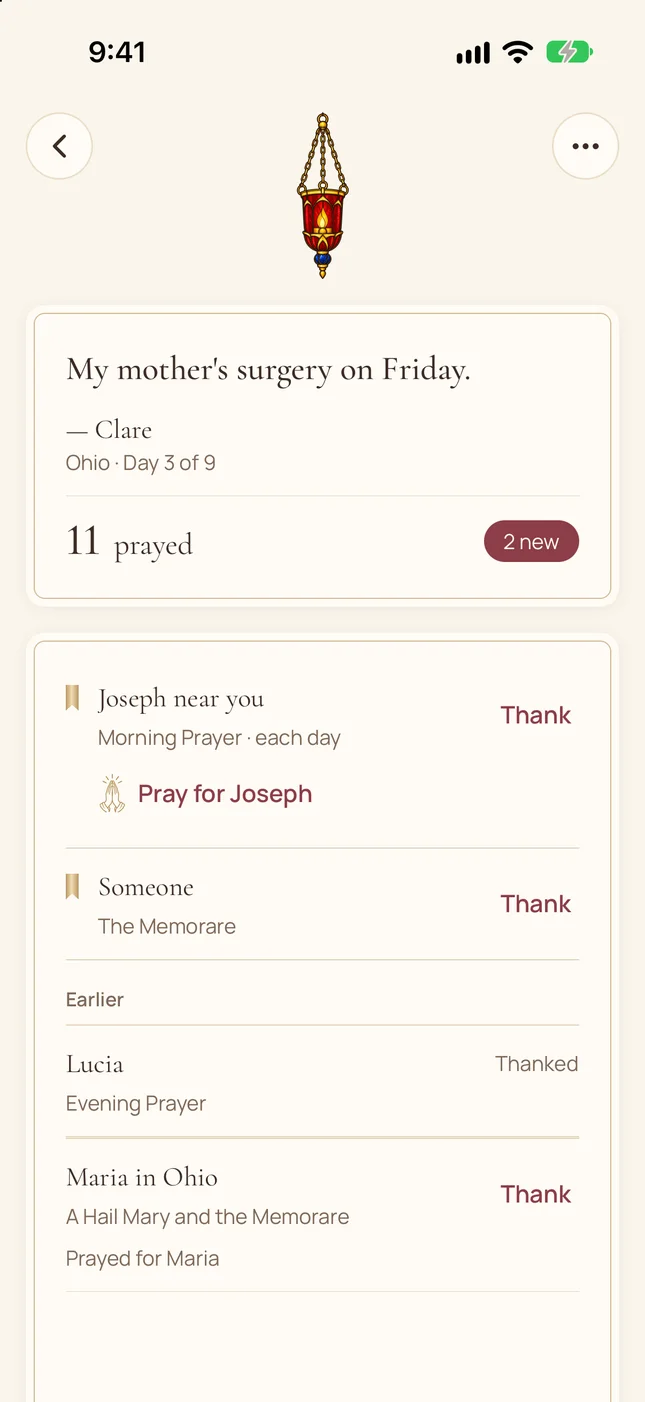
See who prayed and which prayer they said. Thank them, or pray for them in return.
Screens show example requests, names and numbers.
Your own prayers, words and art. Orthodox prayers come from named editions, such as Hapgood’s Service Book.
The Our Father, the Rosary, the Jesus Prayer. Every prayer comes from a named edition.
Several times a day, everyone is asked to pray one prayer together for the day’s intention.
Add, remove and reorder the prayers in each prayer time. Up to 30.
Your prayer history stays on your device. Others see only your request, your first name and your state.
You can use everything free for 7 days. After that, Life of Prayer is a subscription. You can cancel any time in the App Store.
It uses Apple’s Screen Time. You choose your prayer times and the apps that wait. If you have not prayed by your time, those apps lock until you pray. If you do not pray that day, they open again at midnight.
Yes. Only the apps you choose lock. Calls, messages and every other app stay open.
No. It records that you went through your prayers and said “Amen.” The rest is between you and God.
Your request, your first name and your state or region. Never your town. Your prayer history stays on your device.
Both. You choose when you start, and you can change it in Settings. Prayer requests are shared by everyone.
Choose one prayer time. Pray once. See how it feels.
Free for 7 days · Catholic & Orthodox · Real prayers, never AI